How to Reset Samsung Fridge Water Filter
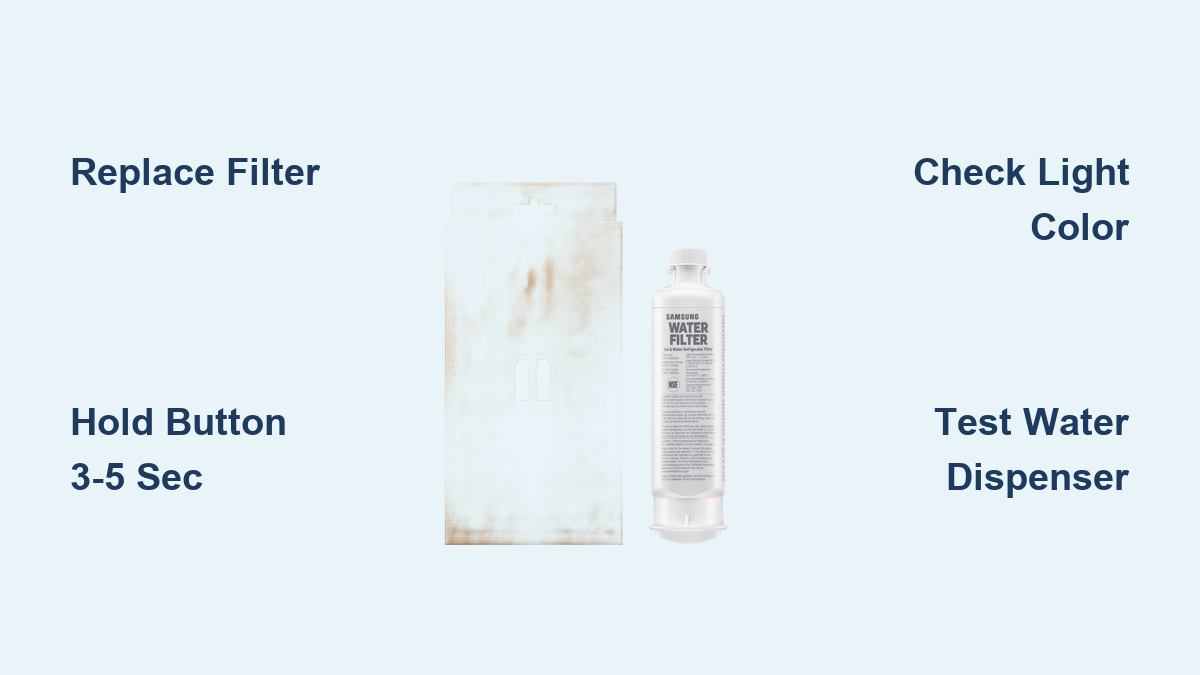
You just installed a fresh filter in your Samsung refrigerator, but that stubborn red light won’t go away. It’s one of the most common frustrations with these appliances, and the fix is usually quick. Resetting the water filter on a Samsung fridge is a simple two-step process: replace the filter physically, then reset the digital reminder. If the light stays on or keeps returning, the cause is often a seating issue, an active Child Lock, or an incompatible filter cartridge.
Most Samsung models require holding the Filter or Ice/Water button for 3 to 5 seconds until the light turns blue. However, not all refrigerators work the same way. Some reset automatically based on water flow, while others need a specific button combination. This guide covers every variation, including what to do when the reset fails or the alert returns too soon.
Locate the Reset Button on Your Samsung Fridge

Identify Your Control Panel Type
Samsung refrigerators use different control interfaces depending on the model and year. Start by checking the display panel on the front of the door. Look for a button labeled Filter, Water Filter, or Ice/Water. Some models use a water droplet symbol paired with a grid icon instead of written text.
If you don’t see a dedicated filter button, your model may require a button combination. Common examples include pressing Ice Type and Child Lock simultaneously. This setup is typical on older or high-end models where functions are layered to save panel space.
Check for Hidden or Menu-Based Controls
On select Samsung refrigerators, the filter reset function isn’t immediately visible. These units rely on software menus accessed through specific sequences. If your panel has a Settings or Options button, press it and scroll for a filter status option. However, most modern models use direct button presses with no menu navigation required.
When in doubt, refer to your model number found on the inner wall or door frame. You can search Samsung’s support site for exact instructions. In roughly 90% of cases, the reset button is front and center, just labeled differently across product lines.
Execute the Reset Procedure Correctly
Press and Hold for 3 to 5 Seconds
Once you’ve identified the correct button, press and hold it firmly. Do not tap the button, because a quick press won’t register the command. You must maintain steady pressure for 3 to 5 seconds. Some touch panels require significant force, so apply firm pressure with your fingertip.
During this hold, watch the indicator light closely. It will typically flash or change color. On most models, the light shifts from red or orange to blue or green. If your fridge has a digital screen, the message will change from “Replace Filter” to “Good” or disappear entirely.
Some models emit a chime or beep to confirm the reset. This sound is a reliable success signal, but not all units include it. Always verify visually as well.
Retry With Firmer Pressure if No Response
If the light doesn’t change after 5 seconds, release the button and try again. Common reasons for failure include:
- Insufficient pressure on the touch panel
- Short hold time that interrupts the command
- Child Lock enabled, which disables all button functions
Repeat the process once more, pressing harder and counting slowly to five. If it still fails, move to the diagnostic steps below.
Verify the Reset Was Successful
Confirm the Indicator Light Color Change
After releasing the button, check the filter indicator immediately. It must no longer display red or orange. The standard reset state is blue or green, depending on your specific model. If the color hasn’t changed, the command didn’t register properly.
On digital displays, look for text like “Filter: Good” or the complete absence of a filter alert. If “Replace Filter” remains visible, the system still believes the old filter is in place.
Pro Tip: Take a photo of the panel before and after the reset to compare subtle differences in color or text.
Test the Water Dispenser Function
Run a full glass of water through the dispenser. This confirms two important things:
- The water system is functioning normally
- The reset didn’t trigger any hidden error states
This step also helps clear air from a newly installed filter, which can cause sputtering or slow flow during the first few uses. If water flows smoothly and the light stays blue, the reset was successful.
Troubleshoot Common Reset Failures
Fix a Filter Light That Returns Immediately

If the red light comes back within seconds of resetting, the issue isn’t electronic. It’s mechanical. The most likely cause is that the filter isn’t fully seated in its housing.
Remove the filter completely and inspect the O-ring, the small rubber gasket near the top. Ensure it’s clean, intact, and properly positioned in its groove. A twisted or pinched O-ring prevents a proper seal and confuses the sensor.
Reinstall the filter and twist or push it firmly until you hear a distinct click. This confirms the filter is locked in place. Then retry the reset procedure.
Warning: A poorly seated filter can leak or cause the system to think no filter is installed, even when it’s halfway inserted.
Unlock Child Lock Before Resetting
If the reset button does nothing at all, your control panel may be locked. Samsung’s Child Lock feature disables all buttons to prevent accidental changes.
Look for a lock icon on the display. If it’s present, press and hold the Child Lock button for 3 seconds until the icon disappears. You may hear a beep confirming the unlock.
Now try the filter reset again. This single fix resolves unresponsive buttons on many models.
Expert Note: Always re-enable Child Lock after servicing if young children are in the home.
Replace Incompatible Filter Models
If the light resets successfully but returns within days, you may have an incompatible filter installed. Some third-party filters fit physically but lack the correct sensor or RFID chip that Samsung’s system expects.
Check your refrigerator’s manual for the exact filter model number, such as DA29-00020B. Replace with either:
- An original Samsung filter
- A verified compatible brand like SpiroPure with matching specifications
Avoid “universal fit” filters unless they explicitly list your exact model.
Diagnose Persistent Filter Alerts
When the light won’t reset despite correct timing, proper seating, and a compatible filter, the problem may be hardware-related. Possible causes include:
- Faulty filter sensor located near the filter housing
- Control board glitch after power surges
- Damaged wiring, especially if the fridge was recently moved
If all troubleshooting fails, contact Samsung support or a certified technician. Do not attempt internal repairs yourself.
Handle Model-Specific Exceptions

Reset Older Models Without a Button
Some older Samsung refrigerators don’t have a reset button at all. These units use automatic reset logic based on water flow volume.
After installing a new filter, run 2 to 3 gallons of water through the dispenser. This primes the system and triggers the sensor to detect fresh flow. The indicator will turn off automatically within minutes. Do not force a button press, because there isn’t one.
Tip: Use large pitchers to speed up the process. This also clears carbon fines from the new filter media.
Understand High-End Tracking Systems
Premium Samsung models, including Family Hub refrigerators, track actual water usage in gallons rather than just elapsed time.
The reset procedure is the same: hold the button for 3 to 5 seconds. However, the next alert will trigger after 200 gallons or a model-specific volume, not after six months. This means:
- The light may appear earlier in large households
- The light may stay off longer in low-use homes
Resetting is still required after each replacement to zero the counter.
Follow Best Practices for Filter Maintenance
Replace Every Six Months
Samsung recommends replacing the water filter every six months. This interval balances cost, performance, and safety.
Going longer increases the risk of:
- Mold and bacteria growth in old filter media
- Reduced flow rate due to clogging
- Bad taste or odor returning to your water
Even if the light hasn’t come on, stick to the schedule. The timer is calendar-based on most models, so skipping a reset delays the next alert.
Watch for Early Failure Signs
Don’t wait for the indicator light if you notice:
- Water tastes stale or smells unusual
- Ice has a cloudy appearance
- The dispenser runs slower than usual
These symptoms indicate the filter is exhausted and should be replaced immediately, regardless of what the indicator says. High sediment or chlorine levels in your water supply can shorten filter life significantly.
Record Replacement Dates Manually
Electronics fail, and power outages can reset internal clocks. Filters don’t come with serial numbers for tracking.
Write down the replacement date on a sticker inside the fridge or in a home maintenance log. This gives you a reliable backup reference if the digital system malfunctions. Pair this habit with the reset process for foolproof tracking.
Frequently Asked Questions About Samsung Filter Resets
Why does the filter light stay red after I reset it?
The light stays red if the reset command wasn’t accepted by the system. Common causes include holding the button for less than 3 seconds, an active Child Lock, a filter that isn’t fully installed, or an incompatible cartridge. Work through each troubleshooting step in order until the light changes.
Can I reset the light without changing the filter?
Technically, yes. The system doesn’t verify physical replacement. However, never do this regularly. Resetting without replacement disables the safety reminder and could leave you drinking unfiltered water for months, risking exposure to contaminants and mold. Only bypass replacement in true emergencies, and reset the timer properly when you finally install a new filter.
How do I know the reset actually worked?
Success signs include the light changing from red to blue or green, the “Replace Filter” message disappearing, no alert returning after 24 hours, and water flowing normally from the dispenser. If all these conditions are met, the reset was effective.
What happens if I never reset the filter?
The alert continues, but more importantly, the usage timer stays inaccurate. Next time you replace the filter, the system thinks it’s already overdue, causing premature alerts and disrupting the entire maintenance cycle. Always reset after each change.
Do all Samsung fridges use the same reset method?
No. While most use the 3 to 5 second hold, some require button combinations or auto-reset via water flow. French door models are generally consistent, but older side-by-sides vary widely. Always confirm your model’s method using the user manual or Samsung’s online support with your specific model number.
Key Takeaways for Resetting Your Samsung Fridge Filter

Resetting the water filter on your Samsung refrigerator takes less than 10 seconds, but skipping it or doing it incorrectly can lead to poor water quality and persistent system errors. Always install a compatible filter first, seat it fully until you hear a click, and disable Child Lock if the buttons seem unresponsive. Hold the reset button for a full 3 to 5 seconds with firm pressure, then verify the light turns blue or green. Test the dispenser to confirm everything works properly. By following these steps, you ensure clean, safe water and keep your refrigerator’s smart features functioning as designed.