How to Change Brita Water Filter
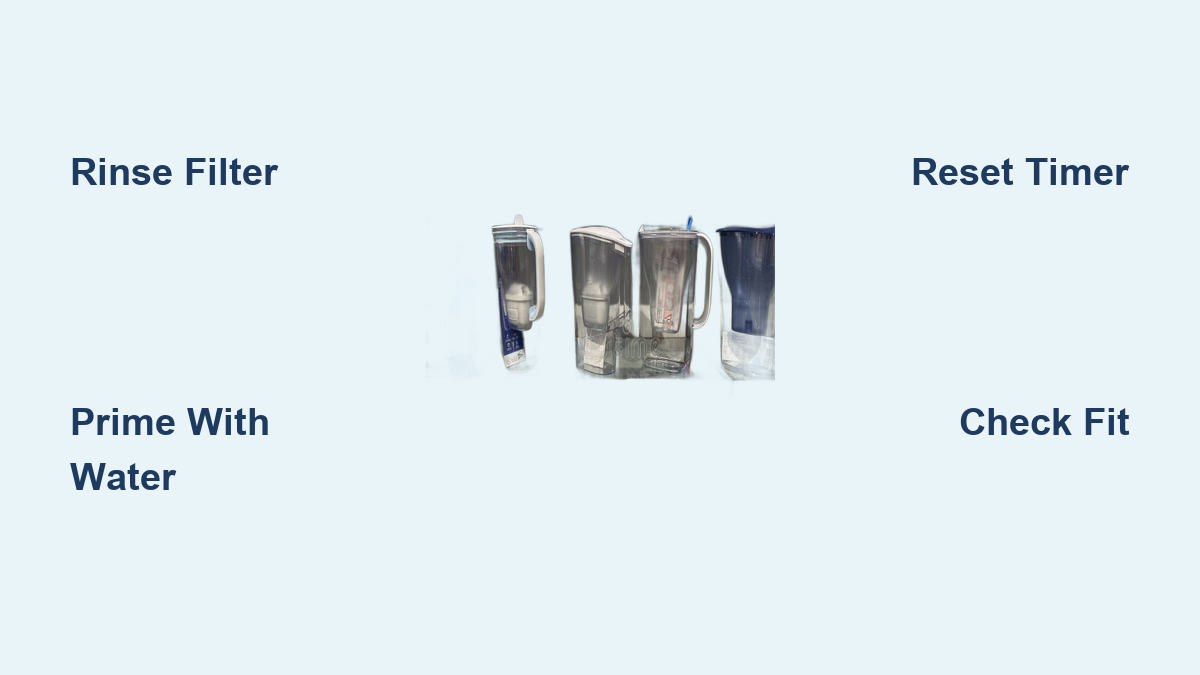
If your Brita pitcher is leaving water tasting flat or funky, the filter is likely past its prime. Learning how to change a Brita water filter the right way keeps your water clean, your pitcher running smoothly, and your filter budget under control. From standard Everyday models to Maxtra and Stream pitchers, each system has its own quirks worth knowing.
This guide breaks down everything you need: when to swap filters, how to rinse and prime them correctly, model-specific installation steps, and pro tips to avoid common mistakes. You’ll also learn how to reset electronic timers, reuse priming water, and stretch every filter to its full potential.
Spot the Signs It’s Time to Replace
Read Your Indicator System
Brita pitchers use three main ways to signal a filter change. Knowing which one your model uses keeps you ahead of bad-tasting water.
- Sticker Indicators (Everyday Pitcher): A simple date-based sticker on the side lets you mark the install date. Swap the filter one month later.
- Electronic Timers (Maxtra Models): Digital lids track usage automatically. When lights flash or turn red, it’s time. After installing a new filter, press and hold the start button until it flashes to reset.
- Sensory Cues (All Models): If water tastes off, smells odd, or pours slowly, replace the filter right away, even if the timer hasn’t triggered.
Know the Replacement Window
Timing depends on your model and how much water you filter daily. Use these benchmarks as your guide.
- Maxtra Filters: Replace every 1 month under normal use.
- Brita Stream (Model B2001): Lasts up to 40 gallons, roughly every 2 months for average families.
- Extended Use Tip: Some users stretch Maxtra filters to 6 weeks in low-use homes, but never go past 2 months for safety and taste.
Pro Tip: Reset the electronic timer after installing the new filter. Skipping this step throws off your tracking and leads to false alerts.
Prep Your New Filter the Right Way
Rinse Before Installing
Always rinse your new Brita filter under cold running water for 15 seconds. This clears out loose carbon dust from manufacturing that can cloud your first few pitchers.
- Hold the filter by the handle.
- Run water over the entire surface, especially the top and sides.
- Skip hot water; it damages the carbon block.
Prime After Installation
Even after rinsing, the filter needs activation. For Maxtra and Stream models, follow this double-flush method:
- Fill the pitcher completely.
- Let it filter through.
- Repeat once more.
- Discard both batches.
This flushes out residual particles and wakes up the carbon media.
Save Water Smartly: Pour discarded priming water into houseplant pots (skip this in winter when plants are dormant). It’s safe and reduces waste.
Knock Out Air Pockets
Trapped air slows filtration and causes sputtering. Here’s how to clear it:
- Gently shake the filled pitcher for 1 minute over the sink.
- Watch for bubbles escaping from the filter.
This boosts flow rate and gets your filter working at full speed.
Clean the Pitcher Before You Swap
Wash the Jug and Lid
A quick clean prevents mold and residue buildup before installing a fresh filter.
- Use warm, soapy water and a soft sponge.
- Scrub all interior surfaces, especially near the filter housing.
- Rinse thoroughly.
Protect Electronic Lids
If your lid has a digital display, handle it with care.
- Never submerge it in water.
- Use a damp cloth or soft brush to clean around the timer.
- Avoid harsh detergents or abrasive pads.
Non-electronic lids can be fully washed and dried.
Warning: Spotted mold in the lid or spout? Soak in a vinegar-water mix (1:3 ratio) for 10 minutes, then rinse well.
Install by Model Type

Everyday Pitcher: Push and Click
Standard Brita Everyday models use a simple snap-in system:
- Remove Old Filter: Pull straight up using the handle.
- Rinse New Filter: 15 seconds under cold water.
- Align Notch: Match the notch on the filter top with the groove in the housing.
- Press Until Click: Push down firmly until you hear a snap.
- Prime and Flush: Fill and discard twice.
Visual Cue: A misaligned filter won’t click. Rotate until the notch and groove line up.
Maxtra System: Submerge and Reset
Maxtra filters need precise orientation and an electronic reset:
- Position Correctly: Insert with the marked side facing up.
- Fill to Halfway: Pour water to just below the midline to help seat the filter.
- Push Until Base Clicks: Firm pressure ensures full engagement.
- Flush Twice: Discard the first two batches.
- Reset Timer: Press and hold the start button until the light flashes.
Common Mistake: Forgetting to reset the timer leads to false alerts. Always reset after installation.
Stream Pitcher: Twist and Lock
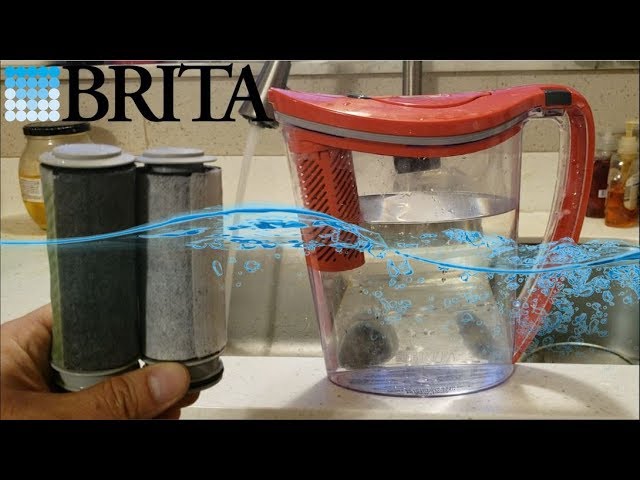
The Brita Stream (Model B2001) uses a unique locking mechanism:
- Align Filter: Place the new filter into the chamber.
- Twist to Lock: Rotate until it clicks into place; no pushing needed.
- Check Seal: Ensure no gaps between filter and housing.
- Prime Normally: Double-flush and shake to remove air.
Compatibility Note: Stream filters do not fit Everyday or Maxtra pitchers. Use only B2001-compatible cartridges.
Fix Common Filter Problems

Cloudy Water After a Change
Cause: Leftover carbon particles.
Fix:
– Rinse the filter again for 15 seconds.
– Run two more full cycles and discard.
– If it persists, check for cracks or improper seating.
Slow Filtration Flow
Causes: Air pockets, debris, or an expired filter.
Solutions:
– Shake the pitcher gently for 1 minute.
– Make sure the filter is fully seated.
– Replace if flow doesn’t improve after priming.
Poor Taste or Odor
Even with a new filter? Possible culprits:
- Incomplete priming
- Contaminated pitcher
- Hard water buildup
Action Steps:
– Wash the pitcher thoroughly.
– Double-check rinse and flush steps.
– Replace the filter early if taste doesn’t improve.
Store Spare Filters the Smart Way
Keep unused filters in a cool, dry place, away from sunlight and moisture.
- Avoid storing in bathrooms or near sinks; humidity degrades carbon.
- Keep away from freezing temperatures.
- Use within 1–2 years of purchase for best results.
Save Money by Buying in Bulk
Brita filters cost less per unit when purchased in larger packs.
- Choose 6-packs over single units for better value.
- Look for deals on Amazon or directly from Brita.
- Aim for under 3p per liter of filtered water when buying in bulk (UK pricing benchmark).
Eco Bonus: One Brita filter can replace up to 300 plastic bottles, cutting waste and saving money.
Stretch Filter Lifespan
Match Replacement to Your Water Quality
Hard water or high sediment shortens filter life.
- In areas with poor tap quality, replace filters closer to 4 weeks.
- Use cold tap water only; hot water damages filters and voids warranties.
Don’t Let the Pitcher Sit Empty
Running dry causes the carbon block to dry out, reducing effectiveness.
- Refill before it’s completely empty.
- If unused for days, flush once before drinking.
Know What Brita Filters Remove
Contaminants Reduced
Brita filters are certified to reduce:
- Chlorine (taste and odor)
- Lead
- Mercury
- Copper
- Cadmium (in select models)
Note: Brita does not remove bacteria, viruses, or dissolved minerals like calcium and magnesium (hardness).
Filtration Technology
- Activated Carbon Block: Traps impurities through adsorption.
- Ion Exchange Resin: Reduces heavy metals like lead.
- BPA-Free Construction: Safe for daily use with no harmful leaching.
Pick the Right Replacement Filter
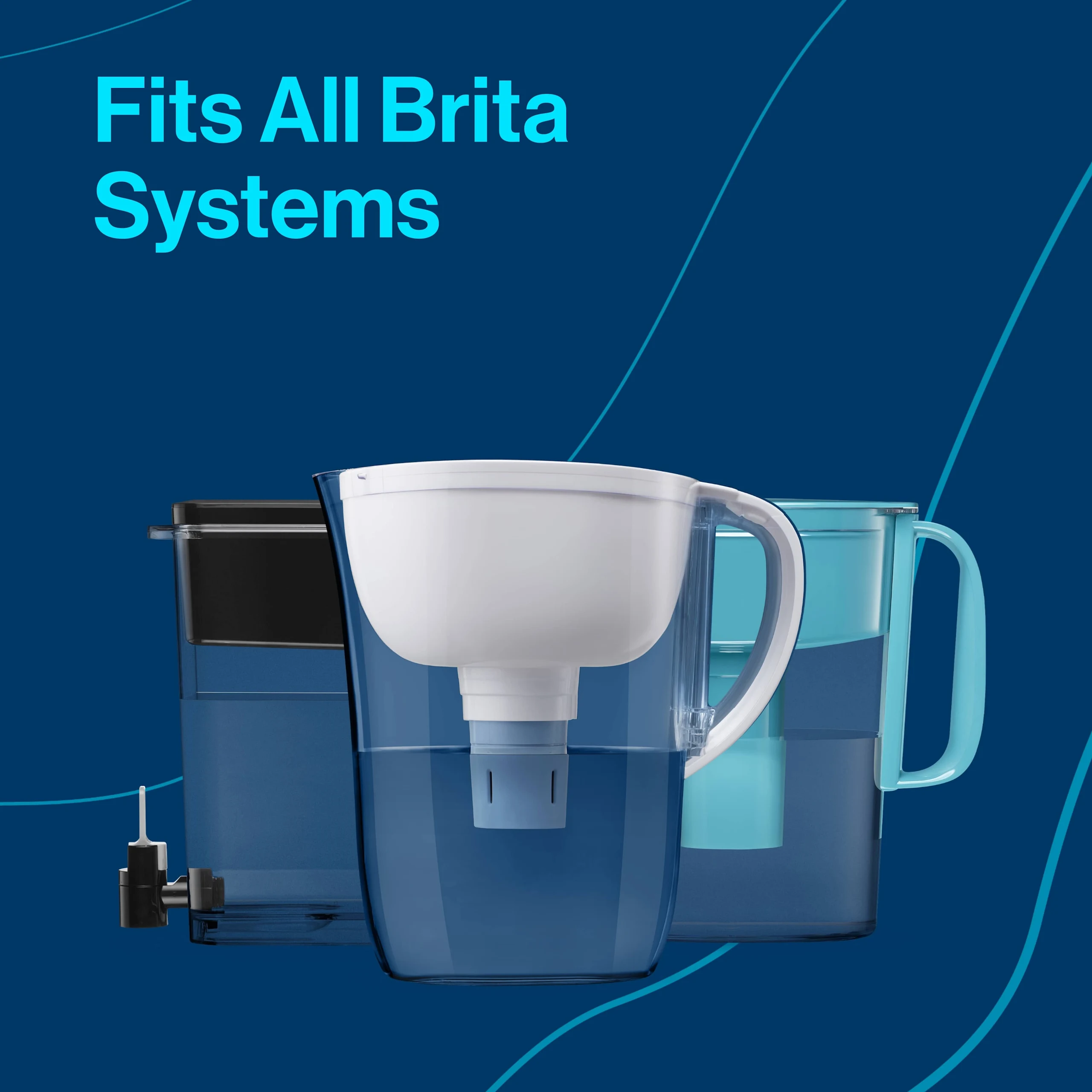
Match Your Model
Using the wrong filter damages your pitcher and reduces performance.
| Pitcher Model | Filter Type | Installation Method |
|---|---|---|
| Brita Everyday | Standard Filter | Push & Click |
| Brita Maxtra | Maxtra Cartridge | Push & Submerge |
| Brita Stream (B2001) | Stream Filter | Twist & Lock |
| Marella XL | Maxtra-compatible | Push & Click |
| On Tap VMF System | Faucet Mount Filter | Twist-on Housing |
Warning: Never force a filter. If it doesn’t fit easily, double-check compatibility.
Buy Authentic Filters
Stick to OEM (original equipment manufacturer) filters from trusted retailers.
- Avoid cheap knockoffs; they may lack proper certification.
- Look for the Brita logo and packaging seals.
- Counterfeit filters may not reduce lead or chlorine effectively.
Cut Waste and Track Replacements
Reuse Priming Water
The water from the first two flushes is clean, just not optimally filtered.
- Use for: Watering plants, cleaning, or cooking (if safe in your area).
- Skip in winter: Plants need less water when dormant.
Reduce Plastic Waste
Switching to Brita cuts single-use plastic significantly.
- One filter equals roughly 300 bottled waters.
- Annual savings: Over 1,500 plastic bottles per household.
- Recycle packaging where possible.
Build a Replacement Habit
Stay on schedule with simple reminders.
- Mark your calendar.
- Set a phone alert.
- Use the sticker or electronic timer as your main cue.
Pro Tip: Pair filter changes with monthly chores like laundry day or bill paying so you never forget.
Frequently Asked Questions About Changing Brita Water Filters
How often should I change my Brita water filter?
Replace Maxtra filters every 1 month under normal use. Brita Stream filters (Model B2001) last up to 40 gallons, roughly every 2 months for average households. Everyday pitchers use a sticker indicator set to one month.
Do I need to rinse a new Brita filter before using it?
Yes. Rinse the new filter under cold running water for 15 seconds to remove loose carbon particles. After installation, fill and discard two full batches to fully activate the carbon media.
How do I reset the electronic timer on a Maxtra pitcher?
After installing the new filter, press and hold the start button until the display flashes. Release the button, and the timer resets to full capacity, counting forward from the replacement date.
Why is my Brita pitcher filtering water slowly?
Slow flow usually means air pockets are trapped inside. Gently shake the filled pitcher for 1 minute over the sink to release bubbles. If flow doesn’t improve, check that the filter is fully seated or replace it if expired.
Can I use Maxtra filters in a Brita Stream pitcher?
No. Brita Stream filters are specifically engineered for the Model B2001 and use a twist-and-lock mechanism. Maxtra filters won’t fit Stream pitchers, and Stream filters won’t fit Everyday or Maxtra models.
Is it safe to water plants with Brita priming water?
Yes. Water used during the flushing and priming stage is safe for non-consumption uses like watering houseplants. Skip this in winter when most plants are dormant and need less water.
Key Takeaways for Changing Your Brita Water Filter
Changing a Brita water filter takes just a few minutes when you follow the right steps for your model. Start by rinsing the new filter for 15 seconds under cold water, then prime it by filling and discarding two full batches. Match the installation method to your pitcher: push-and-click for Everyday, submerge-and-reset for Maxtra, and twist-and-lock for Stream models.
Reset electronic timers after every swap, clean your pitcher regularly, and buy filters in bulk to save money. Store spares in a cool, dry place and replace them on schedule to keep your water tasting fresh and clean every time.
Next step: Check your filter’s indicator today and set a reminder for your next replacement. Your taste buds (and your wallet) will thank you.