How to Clean Zero Water Dispenser
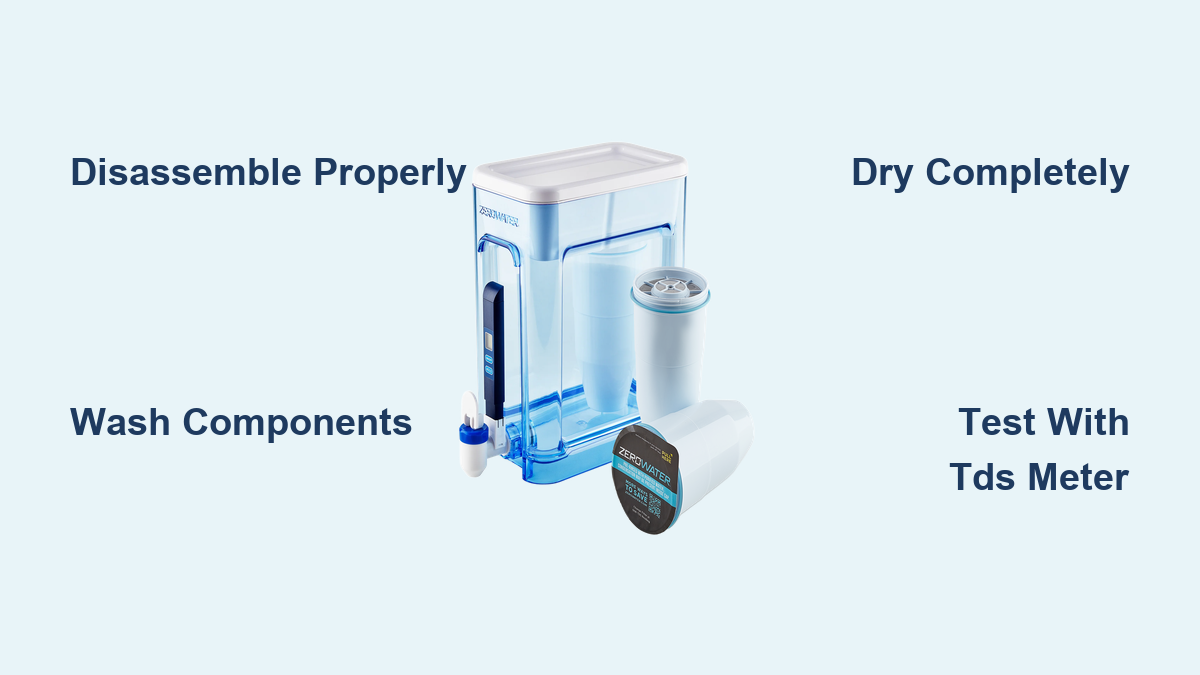
If your ZeroWater dispenser has started producing water that tastes flat, smells off, or shows visible residue, a proper cleaning can restore its performance. ZeroWater’s 5-stage filtration system is powerful enough to remove 99.9% of total dissolved solids, but that same precision demands regular maintenance to prevent bacteria, biofilm, and mineral buildup. Knowing how to clean ZeroWater dispenser units correctly protects your filter investment and keeps every glass tasting crisp.
In this guide, you’ll learn exactly how to disassemble, wash, dry, and reassemble your dispenser without damaging the filter or voiding your warranty. We’ll also cover model-specific differences, troubleshooting tips, and long-term maintenance habits that extend filter life.
Identify Your ZeroWater Model Before Cleaning

ZeroWater makes two distinct product lines, and using the wrong cleaning approach for your model can cause leaks or filtration failure. Identifying your unit is the first step in learning how to clean ZeroWater dispenser systems safely.
Legacy ZeroWater Systems
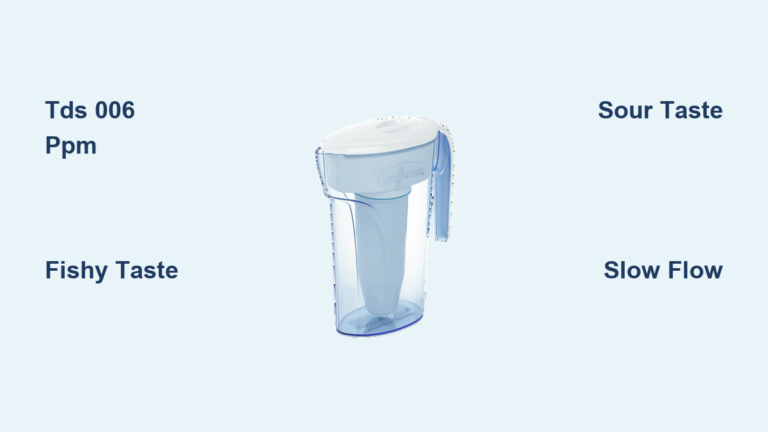
Legacy models display standard ZeroWater branding and feature a bottom-threaded filter that screws in from beneath the reservoir. These filters are rated for approximately 15 gallons and carry certifications for lead, chlorine, chromium 6, PFOA, and PFOS reduction.
Culligan with ZeroWater Technology
Newer Culligan-branded models include a sliding lid and a top-load filter that drops into the reservoir and twists to lock. These filters handle up to 20 gallons and add certification for Total PFAS, pharmaceuticals, and pesticides.
Critical: Filters between these two systems are not interchangeable. Mixing them causes leaks and poor filtration.
Know When Your Dispenser Needs Cleaning
Timing your cleaning correctly prevents mold, odors, and inaccurate TDS readings. Here are the four situations that always require a full wash.
Every 2–4 Weeks as Routine Maintenance
Even if your water tastes fine, clean your dispenser every two to four weeks. This schedule stops biofilm and mineral deposits from forming in hidden areas.
After Every Filter Change
Whenever you swap in a new filter, wash the reservoir, lid, and lower chamber. This removes residual particles and gives you a fresh start.
When You Notice Odor or Visible Residue
A fishy, sour, or ammonia-like smell signals trouble. Cloudy film inside the pitcher is another red flag. Clean immediately and test your filter with the TDS meter.
After Extended Storage
If your dispenser sat empty for seven or more days, wash it before use. Stagnant moisture breeds mold, and dry filters degrade quickly.
Disassemble the Unit the Right Way
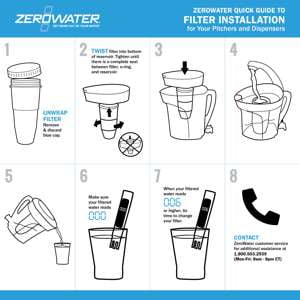
Proper disassembly prevents damage to seals and threads. Follow these steps based on your model type.
Remove the Filter Safely
For Legacy models, turn the filter counterclockwise from the bottom until it unscrews. If your TDS reading is still below 006 ppm, set the filter aside for reuse. For Culligan models, lift the filter straight up from the top. Do not twist, as it locks with a simple drop-in mechanism.
Never wash the filter. It contains ion-exchange resin and activated carbon that water and soap will destroy.
Separate Every Removable Component
Take apart all pieces, including:
– Upper reservoir
– Lower pitcher or dispenser body
– Lid (with or without sliding mechanism)
– TDS meter (pulled straight out from its slot)
Lay everything on a clean towel to avoid contamination.
Wash Components with Mild Soap and Warm Water

Using the right cleaning materials protects the plastic and seals while removing harmful buildup.
Use a Soft Sponge and Dish Soap
Mix a few drops of mild dish soap with warm (not hot) water. Scrub the inside of the reservoir, the lid, and the lower chamber with a non-abrasive sponge. Avoid steel wool or harsh scrubbers, which scratch plastic and create grooves that trap bacteria.
Focus on Problem Areas
Pay extra attention to:
– The rim where the reservoir meets the pitcher
– The underside of the lid
– Corners and seams where moisture collects
These spots commonly harbor mold and slimy residue.
Rinse Thoroughly for 30 Seconds
Rinse each piece under running water for at least 30 seconds. Soap residue alters water taste and affects TDS readings. Hold parts upside down to flush out hidden crevices.
Dry Completely Before Reassembly
Moisture left inside encourages mold and bacterial growth, even after a thorough wash.
Towel-Dry with a Clean Paper Towel
Wipe all surfaces dry. Avoid cloth towels, which can transfer lint or bacteria back onto clean surfaces.
Air-Dry for 5–10 Minutes
Let components sit upside down on a drying rack. Never reassemble while damp, as trapped moisture leads to mold within days.
Reinstall the Filter Correctly
A poorly seated filter causes leaks and high TDS readings. Match your installation method to your model.
Legacy Models (Bottom Thread)
Insert the filter into the bottom opening and twist clockwise until snug. Do not over-tighten, as this can crack the threads or damage the seal.
Culligan Models (Top Load)
Drop the filter straight down into the reservoir and twist slightly to lock it in place. You should feel a clear click when it seats.
Verify Performance with the TDS Meter
Testing after cleaning confirms your water is genuinely pure. This step is essential in any guide on how to clean ZeroWater dispenser units.
Test the Filtered Water
- Fill the reservoir with cold tap water only (hot water damages filters).
- Wait for full filtration, which typically takes 5–10 minutes.
- Pour water into a clean glass.
- Rinse the TDS meter probe under cold water.
- Dip the probe into the glass without submerging the entire meter.
Interpret the Results
- 000 ppm: Perfect filtration
- 001–006 ppm: Still acceptable
- 007+ ppm: Problem exists
If your reading is high with a new filter, remove and reseat it. Check for debris or cross-threading.
Avoid These Common Cleaning Mistakes
Protecting your dispenser means knowing what not to do during maintenance.
Never Use a Dishwasher
The high heat warps plastic and breaks seals, causing leaks and misalignment. All ZeroWater parts are hand-wash only.
Do Not Wash the Filter
Rinsing or soaking the filter destroys the ion-exchange resin. Filters cannot be cleaned, only replaced.
Avoid Hot Water
Filling the reservoir with hot water degrades internal media. Always use cold tap water.
Do Not Ignore Filter Smells
A fishy odor usually means the filter is exhausted. A sour taste indicates hydrogen ion release, which means you should replace the filter immediately.
Troubleshoot Slow Filtration Issues
Slow flow isn’t always a defect, but sudden changes often signal a problem.
Understand Normal Flow Rate
ZeroWater’s 5-stage system is denser than standard 2-stage pitchers. Full filtration in 5–10 minutes is normal.
Check for a Clogged Filter
If water stops draining:
– Test the TDS reading
– Replace the filter if it reads above 006 ppm
– Ensure the filter is fully seated if it’s new
High-TDS source water clogs filters faster than soft water.
Replace Filters Based on TDS, Not Time
Filters don’t expire on a calendar. They wear out based on usage and water quality.
Use the TDS Meter as Your Guide
Replace the filter when it reads 006 ppm or higher. This is the only accurate method.
Treat Volume Estimates as Guidelines
- Legacy filters: approximately 15 gallons
- Culligan filters: approximately 20 gallons
Hard water or high mineral content shortens lifespan significantly.
Store Partially Used Filters Properly
If you remove a filter before it’s exhausted, seal it in an airtight bag and store it in a cool, dry place. Leaving it exposed accelerates degradation.
Maintain Long-Term Performance
Simple habits keep your ZeroWater dispenser working like new for years.
Clean After Every Filter Change
Make it a routine: wash, dry, reinstall, test. This habit prevents most odor and residue problems.
Use Cold Water Only
Cold water protects filter media and maintains the structural integrity of plastic components.
Recycle Old Filters
Check ZeroWater’s recycling program or local guidelines. Avoid tossing used filters in regular trash when recycling is available.
Keep the TDS Meter Clean
Rinse the probe before and after each use. Store it dry in its slot to extend its lifespan.
Frequently Asked Questions About Cleaning ZeroWater Dispensers
Can I put my ZeroWater dispenser in the dishwasher?
No. The high heat warps the plastic and damages the seals, causing leaks and filtration failure. All components must be hand-washed with mild soap and warm water.
How often should I clean my ZeroWater dispenser?
Clean it every 2–4 weeks as routine maintenance, after every filter change, immediately if you notice odor or residue, and after any storage period longer than seven days.
Can I wash the ZeroWater filter to make it last longer?
No. The filter contains ion-exchange resin and activated carbon that water and soap destroy. Once exhausted, the filter must be replaced.
Why does my ZeroWater water smell fishy?
A fishy or ammonia-like odor indicates sulfur compounds reacting with the ion-exchange resin, which means the filter is near the end of its useful life. Test with the TDS meter and replace if the reading exceeds 006 ppm.
Are Legacy and Culligan ZeroWater filters interchangeable?
No. Legacy filters have bottom threading, while Culligan filters are top-load. Using the wrong filter causes leaks and poor filtration.
What does a TDS reading above 006 ppm mean?
It means your filter is either exhausted or improperly seated. Remove the filter, inspect for debris or cross-threading, and reseat it. If the high reading persists, replace the filter.
Key Takeaways for Cleaning Your ZeroWater Dispenser
Learning how to clean ZeroWater dispenser units properly comes down to three core principles. First, identify your model before cleaning, since Legacy and Culligan systems require different filter handling. Second, wash only the plastic components with mild soap and warm water, never the filter itself, and avoid dishwashers entirely. Third, always verify performance with the TDS meter after reassembly to confirm your water is genuinely pure.
Your next step is simple: set a recurring reminder to clean your dispenser every two to four weeks, and keep a spare filter on hand so you never run out. With consistent care, your ZeroWater system will deliver clean, great-tasting water for years to come.